
How to Save your Audiomack Songs locally and in high quality
If you are searching for “How to download from Audiomack directly into my local files backups”, this article would be the accurate answer for you. You may have come across app-restricted offline play; Pondofy is your answer. Although their official platform lets you save tracks in its official mobile app for offline listening, it does not offer you access to the pure files themselves.
For avid music listeners, audio editors, and independent music creators, a physical copy backup is always important, as it offers you ultimate creative freedom and easier access. With the help of a dependable Audiomack Downloader, a fast browser-based solution is here to help you easily acquire clean, high-quality, uncompressed files for any authorized track.
Disclaimer: You need to be the music owner or decide to procure permission from the real copyright owner to download and extract any audio files locally. Otherwise, you might be responsible for intellectual theft. Downloading or extracting copyrighted content without authorization is an infringement of international copyright laws and platform terms of service.
Why save your Audiomack tracks locally?
Audiomack has become a global sounds hub; it now houses Afrobeat, Amapiano, Dancehall music, and many more. But the problem is that if you are signed up with the Audiomack app, then you don't have control over your local music files, you are at the mercy of update times, or when the internet connectivity is weak, and there can even be accidental deletion. That is why you need to download your files from Audiomack to your local storage so you can have full control of your media library. Some of the benefits of using Audiomack to MP3 converter include:
Broad Compatibility: Once converted, your local MP3 files can be played in any digital media player, from the car audio system to your mobile device, without the need for active applications or internet connectivity, and in clubs if DJs have access to the MP3 file.
Reliable Safeguard: With offline copies, your releases are safeguarded against platform-related technical glitches, administrative changes, account deletions, and more.
Effortless Production: Your offline audio files can be effortlessly integrated into a Digital Audio Workstation (DAW), allowing you to edit, remix, sample, etc very easily.
How to use Pondofy
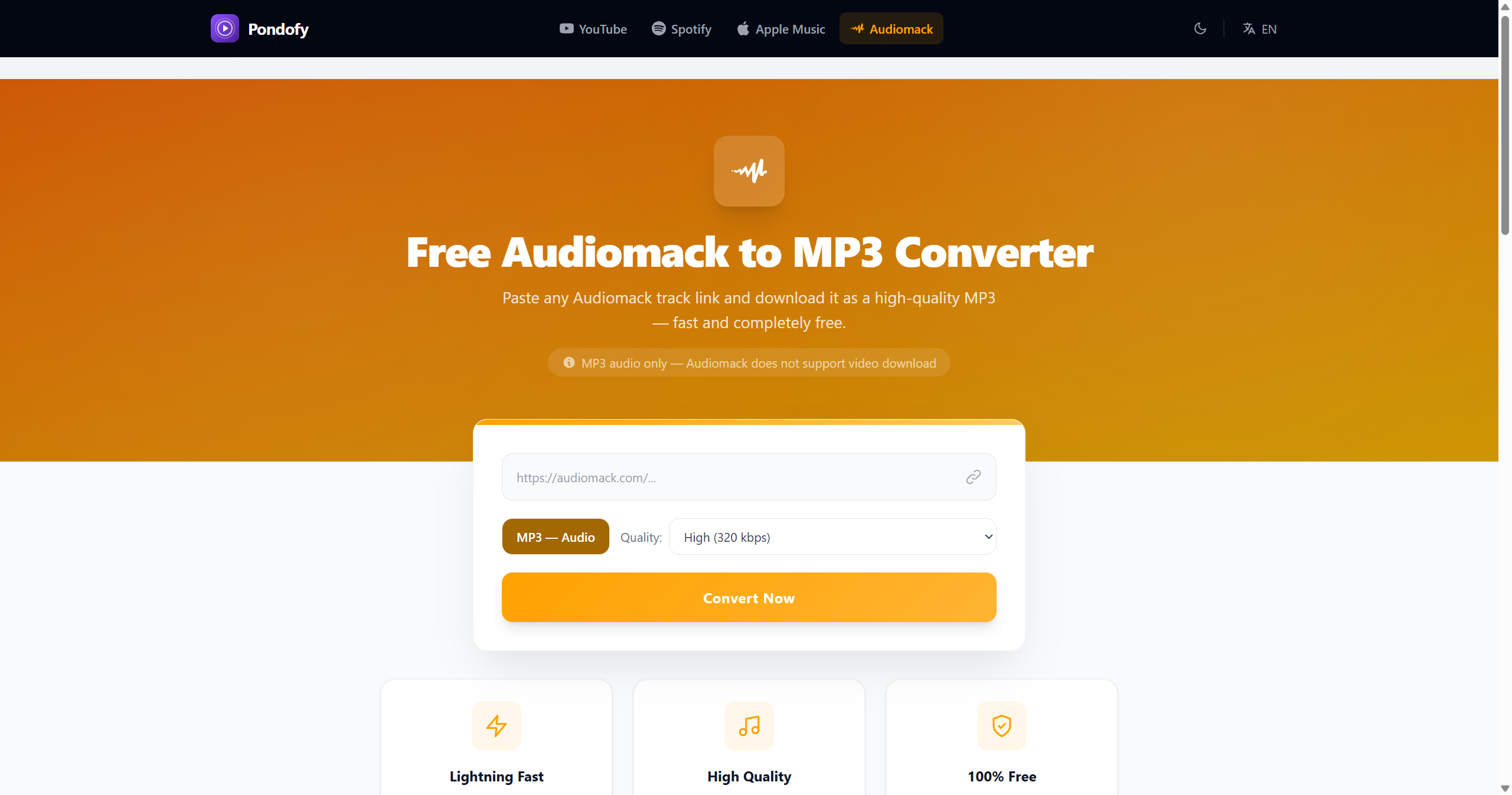
If you are looking for an efficient Audiomack to MP3 converter that does not require registering or installing any software on your smartphone, tablet, or PC and want to download music and other file types with ease, then look no further than Pondofy. This powerful web technology-based tool lets you enjoy the best of convenience and not waste your time.
- How to use Pondofy on your phone, tablet or PC:
- Copy the track's URL: Open the Audiomack website, find the song you need, and copy its link from the address bar, or click the share icon.
- Get the Conversion Tool: Navigate towards Pondofy on your phone or PC web page.
- Paste the Link: Paste the link you copied into the text input field, then hit the conversion button.
- Convert and Save: Pick your desired quality, let the server convert the track to your preference, click the Download File button for a high-quality MP3 or whatever you like, and you'll save it straight to your local storage.
Is Pondofy Safe to Use?
Pondofy is a web-based media tool designed for direct in-browser conversion, operating without accounts, personal data collection, or financial transactions. Converted files are automatically deleted after one hour to protect privacy.
How Pondofy Compares to Common Media Converter Risks
- Annoying Ads: Many free utility sites use aggressive ad networks that trigger malicious pop-ups or redirects. Pondofy runs clean with no ads or third-party ad scripts.
- Data Privacy: Users often risk exposing sensitive details on unverified converter tools. Pondofy requires no signup, login credentials, or payment information.
- Malware Potential: Fake download prompts frequently deliver dangerous .exe or executable files on unvetted converter sites. Pondofy processes media directly into clean audio/video files without requiring software installations or browser extensions.