
How to Easily Save Music With Pondofy’s Free Spotify to MP3 Converter
Streaming services have changed the way people listen to music from their artists. However, using the platform requires constant internet access. Whether someone wants to build an offline collection, move files to a flash drive for a car’s radio or just keep a Spotify playlist for an old-school media player, changing songs into a format that works everywhere is the best choice.
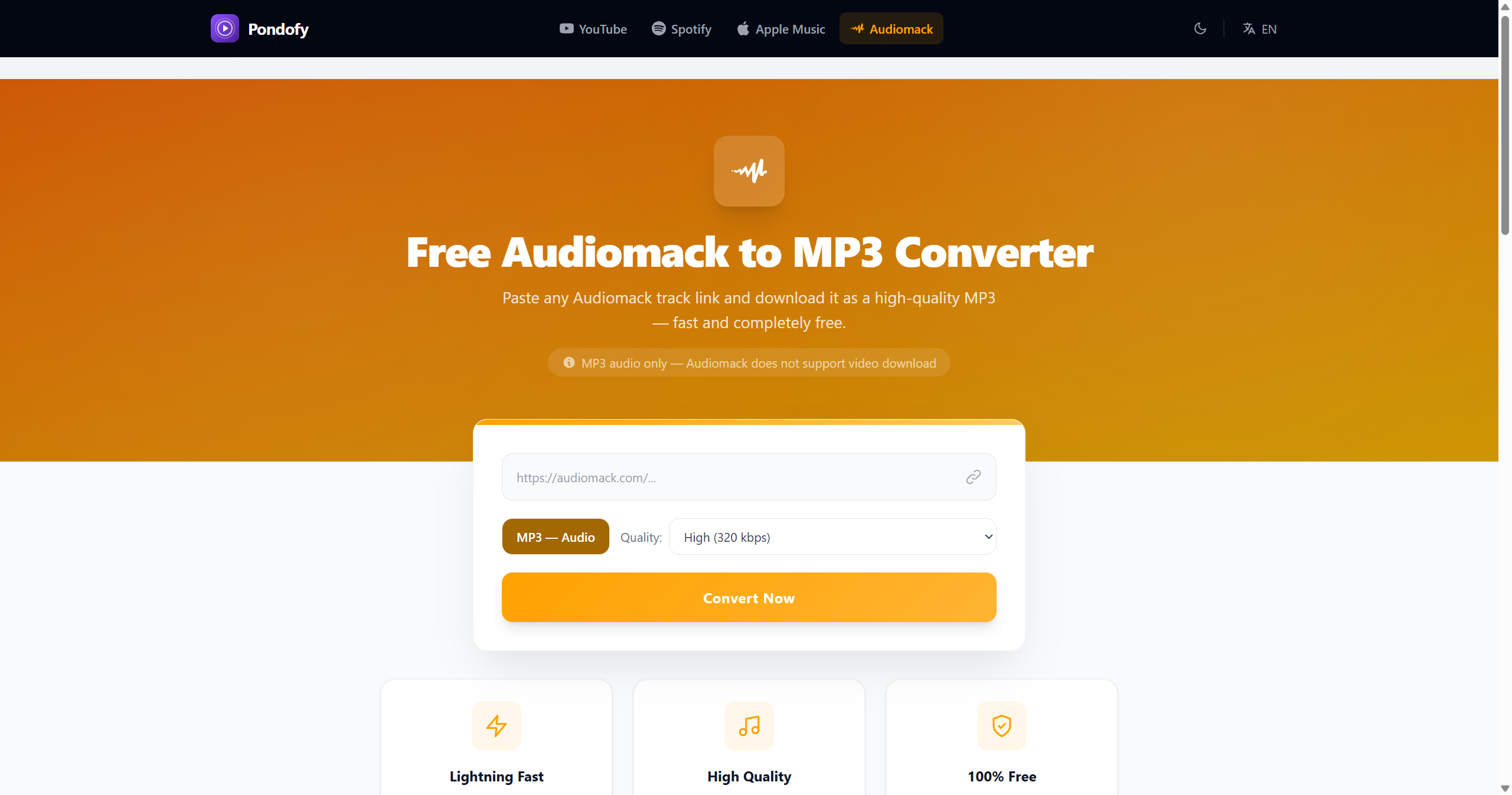
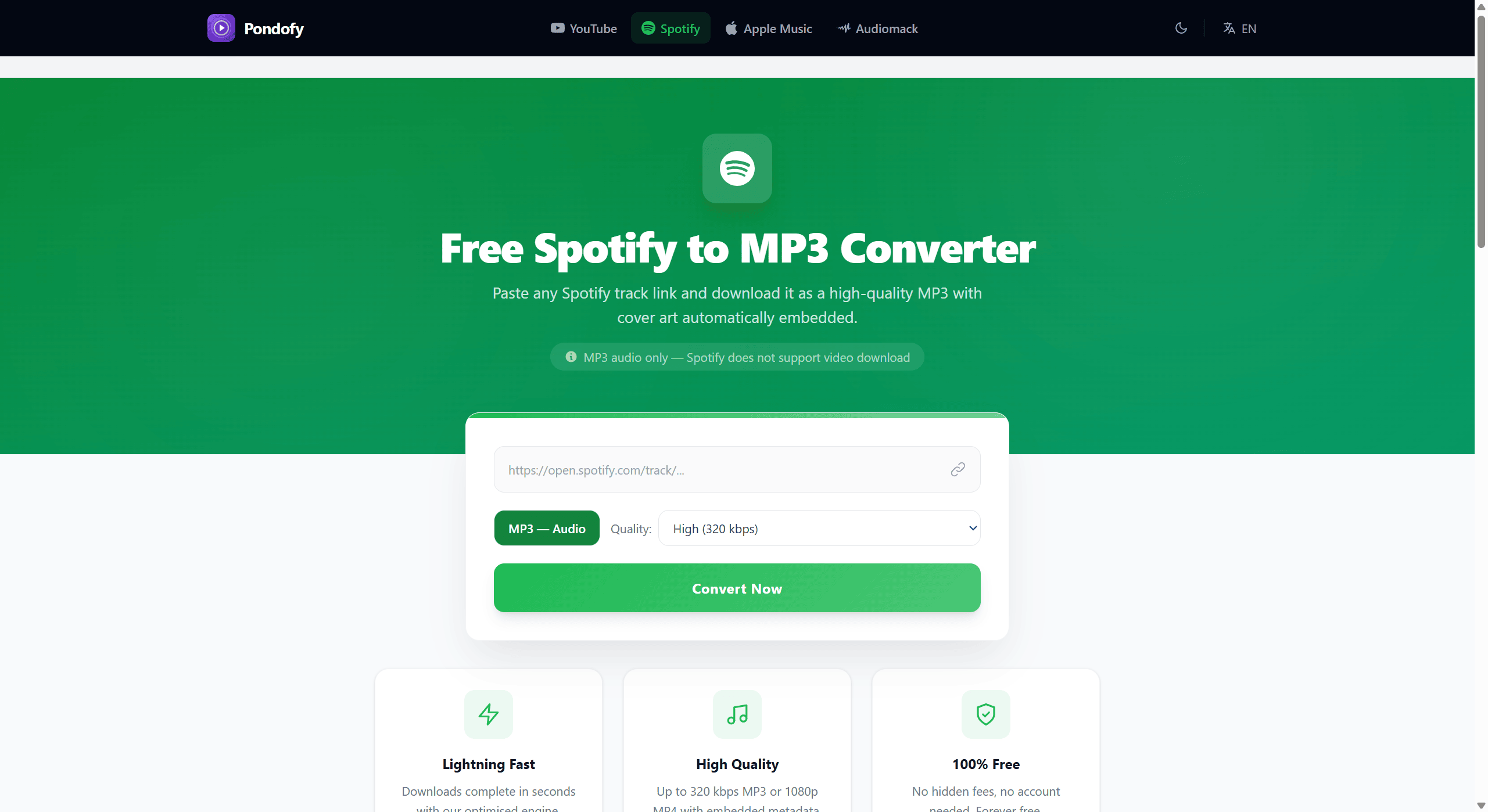
Pondofy’s free Spotify Song Downloader is a perfect tool for you to easily reach that goal in a short time instead of creating an account and downloading unsafe programs.
What is Pondofy’s Free Spotify to MP3 Converter?
Pondofy is a website that helps artists convert their Spotify links into high-quality MP3s. The tool is easy to use and also features free Spotify Playlist Downloader. Also, you don't need to install software. Just give the converter a link to a Spotify track or a playlist link. Wait for it to get the high-quality audio for you.
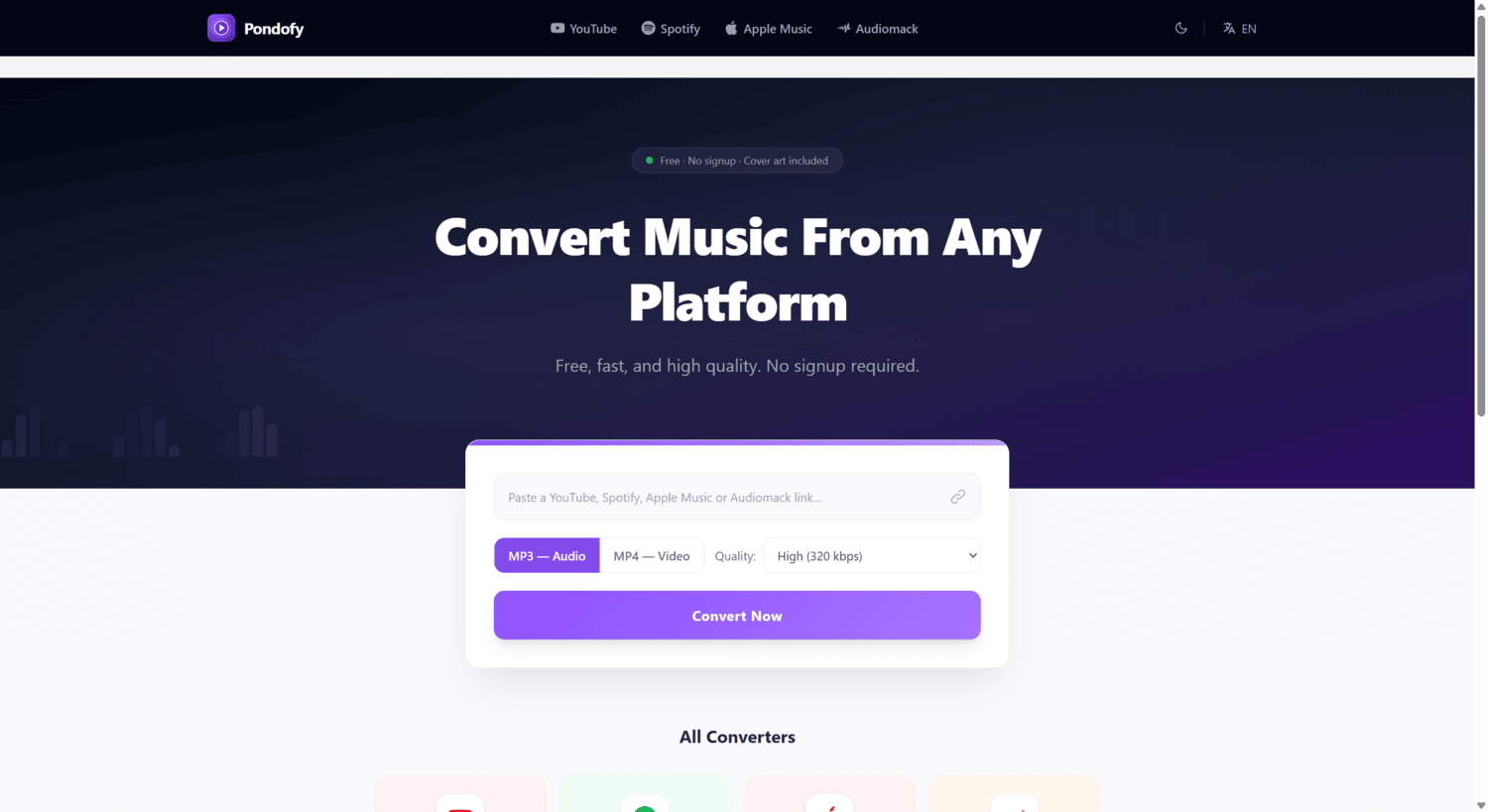
Key Features of the Converter
Using an online converter like Pondofy has many benefits for music lovers; the benefits include:
- 100% Free of Charge: This file converter tool is completely free to use. It does not limit the number of conversions each month. Also, no fee is charged later.
- No Registration Needed: You do not have to create an account or give information to download your files.
- Audio Quality Choices: You can pick the quality you want before converting your file to either 320 kbps) medium (192kbps) or low (128 kbps) audio bitrate.
- Automatic Metadata and Cover Art Addition: Every converted file has the details about the song and album art.
- Works with All Devices: MP3 files work on all devices such as the Apple Music app, Windows Media Player, VLC, offline phones and other devices.
How to Convert Spotify Songs to MP3
All that is needed to convert songs from Pondofy is a few easy steps below:
1. Copy the Song Link from Spotify: Open Spotify (on a computer or phone), go to the song you want to convert, click or tap the three dots (⋯) next to the title, then choose Share and Copy Song Link.
2. Go to the Pondofy Spotify to MP3 Converter. Paste the URL there.
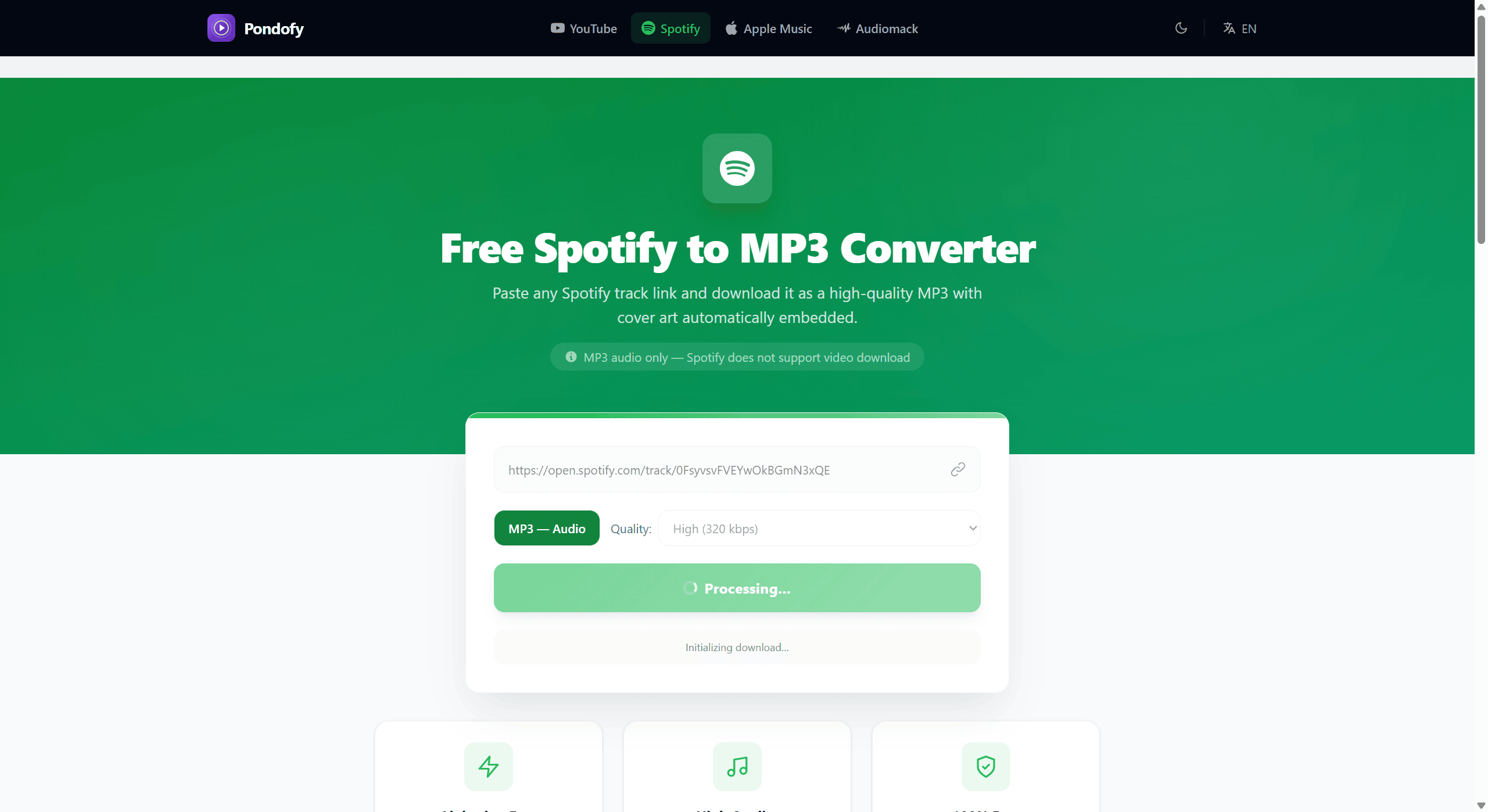
3. Choose the quality you want your song converted to (such as 320kbps for quality)
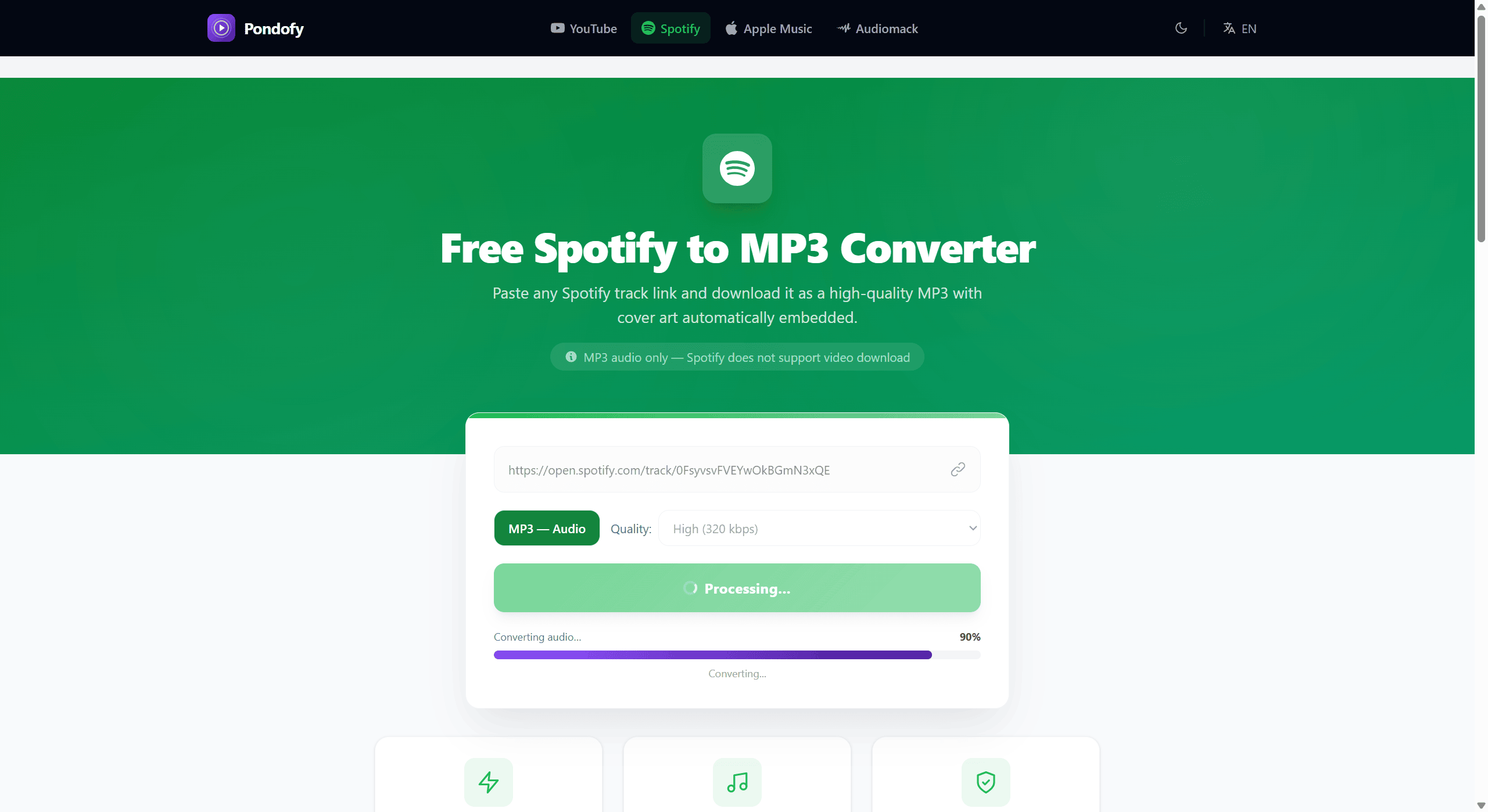
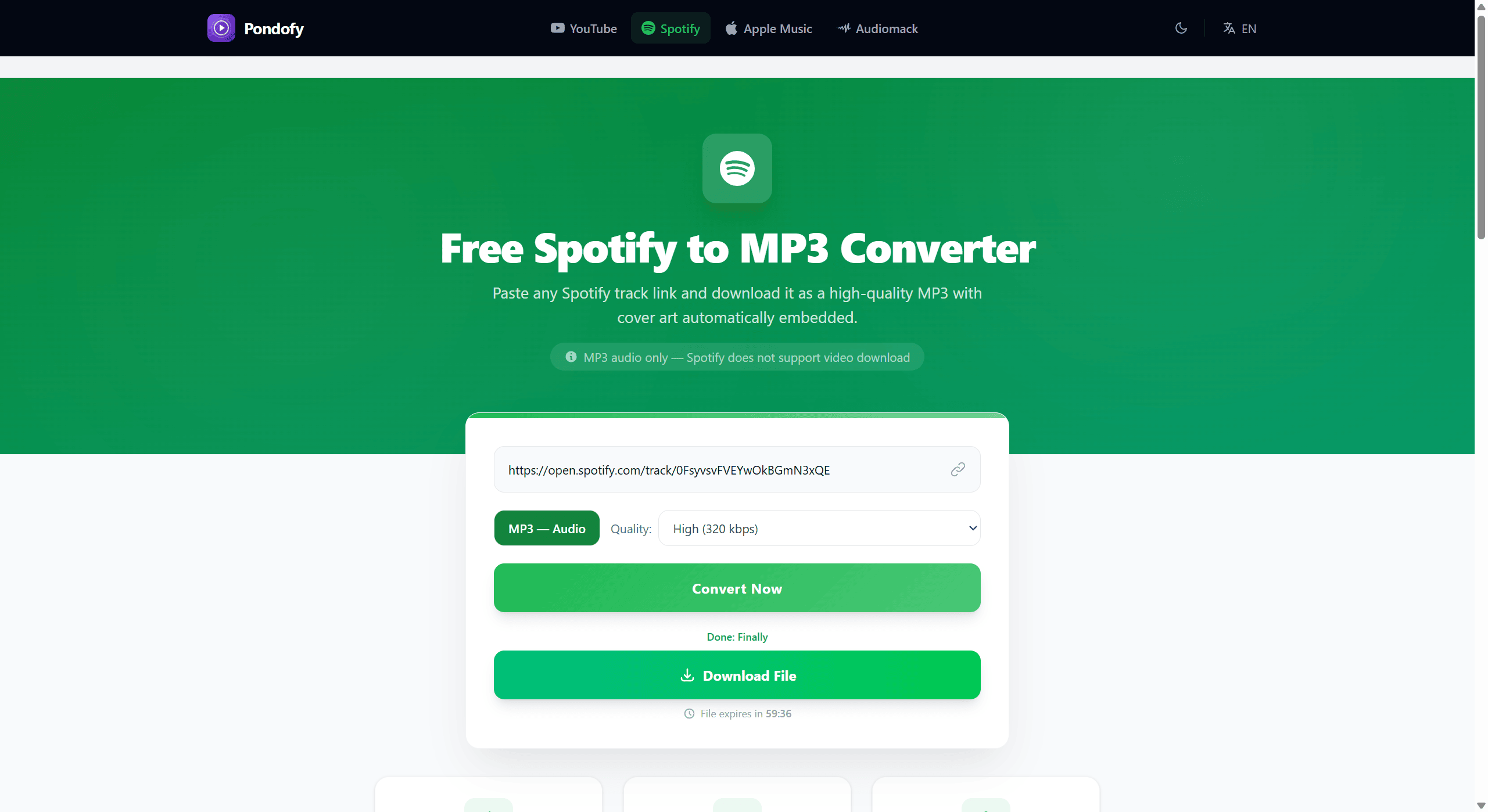
4. Press the Convert Now button. Wait a few seconds for Pondofy to handle your request. Then you can get your tagged MP3 song to your device.
Why Properly Tagged MP3s Are Important
Similar online services offer Spotify to MP3 conversion, but they often miss some important features. For example, most of them do not let users pick the quality during the conversion.
Also, these tools rarely keep a track’s album cover and details, which makes it hard to identify a song on a device. Unlike other converters, Pondofy's free Spotify to MP3 tool lets you change the song’s details and choose the desired bitrate.